Channel Editing on Enigma2 Receivers: A Practical Guide
Enigma2 receivers (Vu+, Dreambox, VU, Octagon and similar) are powerful but their channel editing can feel fiddly. With the right workflow, organising them is painless.
What Is Enigma2?
Enigma2 is the Linux-based operating system used on many premium satellite receivers. It supports plugins, network access and deep customisation — but the default channel list is rarely how you want it.
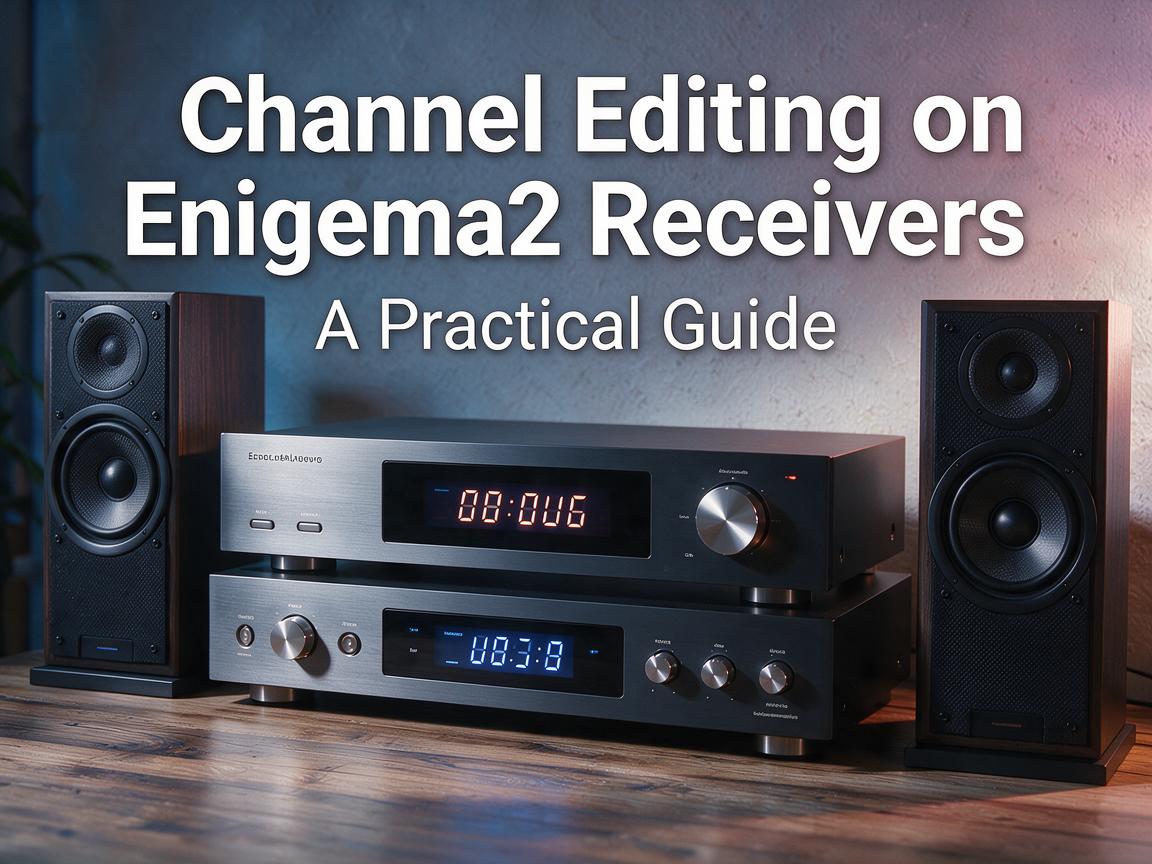
Editing On the Box
You can edit bouquets and favourites directly on screen with the remote. It works, but it is slow for big changes.
Editing Over the Network
The faster way:
- Find the receiver's IP address on the network.
- Connect with a file manager over FTP.
- Download the bouquet files from /etc/enigma2/.
- Edit them on your PC.
- Upload them back and restart the GUI.
Use a Bouquet Editor
Free Enigma2 bouquet editor apps let you drag-and-drop channels into folders. This is by far the fastest way to build a channel list you actually like.
Back Up First
Before editing, back up the /etc/enigma2/ folder. If you break something, you can restore.
Restart the GUI
After uploading new bouquets, restart the Enigma2 GUI (or reboot the box) for the changes to appear.
Plugins Help
Enigma2 has plugins for EPG, channel lists and more. Explore the plugin menu once the basic setup is done.
Enigma2 rewards the small effort it takes to learn. Once your bouquets are set, the box is a pleasure to use.