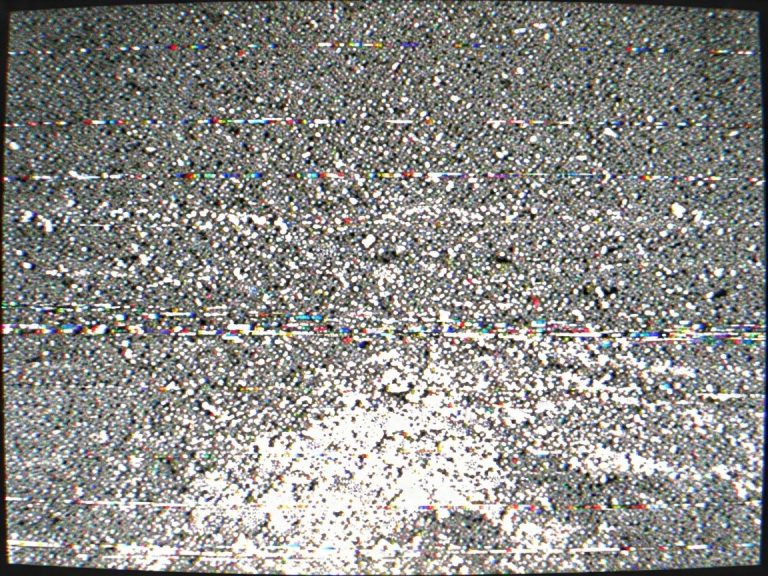
Pixelation on TV: Causes and How to Fix It on Satellite
Pixelation — the picture breaking into blocks, stuttering or freezing for a second — is the most common satellite TV complaint. It is almost always a signal-quality problem, not a TV problem. This guide walks through the causes, in order of likelihood, and how to fix them.
What Pixelation Actually Means
Satellite TV is digital. Either the receiver decodes the picture perfectly, or the signal is too corrupted and the decoder shows blocks or freezes. There is no “slightly bad” digital picture — you see nothing or everything. Pixelation means the signal margin has dropped to the edge.
Cause 1: Rain Fade (Most Common)
Heavy rain absorbs the satellite signal. If pixelation only happens in wet weather, your dish is too small or misaligned. The fix: peak the dish, or go one size up.
Cause 2: Misaligned Dish
A dish knocked by wind, a storm or a climbing plant drifts off target. Even a few millimetres reduce the signal margin. Use a signal meter to re-peak.
Cause 3: Bad F-Connector
Loose or water-affected connectors cause pixelation that comes and goes. Reseat them and check for corrosion.
Cause 4: Faulty LNB
An aging LNB adds noise. If pixelation happens increasingly often even in dry weather, the LNB may be reaching the end of its life.
Cause 5: Obstructions Growing In
A tree that was short when you installed the dish is now in the way. Look at the path to the satellite at leaf-on time.
Cause 6: Cable Problems
A long, thin, or damaged cable loses signal. Check for crushed coax or excessive length.
How to Diagnose in Five Minutes
- Check the signal quality meter on the affected channel. Is it above 80%?
- Switch to another channel on the same transponder — do all channels pixelate together?
- Does it happen in rain, wind, or both?
- Reseat the connectors.
Permanent Fixes
- Peak the dish on a dry day.
- Fit a slightly larger dish if you are at the edge of the footprint.
- Replace an aging LNB.
- Weatherproof every outdoor connector.
Pixelation is the receiver telling you your signal margin is thin. Fix the margin and the blocks disappear — the TV itself is almost never the problem.