DiSEqC 1.0, 1.1, 1.2 and 1.3: Which Switch Do You Actually Need?
DiSEqC comes in several numbered versions, and the choice between them depends on how many satellites you want. This guide picks the right one.
DiSEqC 1.0: Four Inputs
A small box with four LNB inputs and one output. For up to four fixed dishes or LNBs. This is the most common home setup.
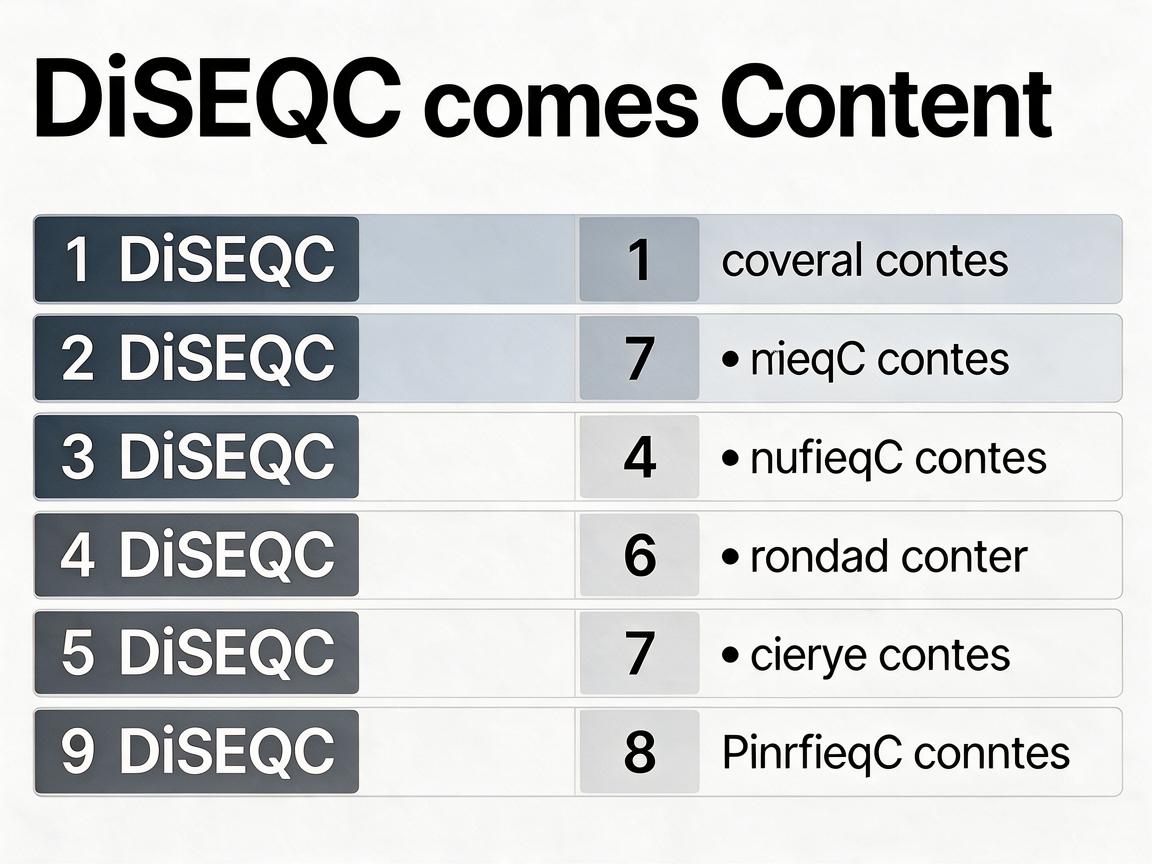
DiSEqC 1.1: Up to 16 Inputs
For larger systems with many fixed dishes. Rarely needed at home — it is for shared installations or enthusiasts.
DiSEqC 1.2: Motorised Mount
Controls a motorised polar mount. You manually store each satellite position. Less convenient than USALS.
DiSEqC 1.3 / USALS: Automatic Motor
The modern motor control. You enter your location and the receiver calculates where to point for each satellite. Most motorised buyers want this.
How to Choose
- One satellite: no switch at all.
- Two to four fixed satellites: DiSEqC 1.0.
- Whole arc, automatic: DiSEqC 1.3 / USALS.
- Whole arc, manual: DiSEqC 1.2.
Matching the Receiver
Make sure your receiver supports the version you buy. Most modern receivers support 1.0 and USALS; check before ordering.
Common Slip-Up
Forgetting to set the DiSEqC port number in the receiver for each satellite. If a satellite is missing, check that the receiver thinks it is on port 1, 2, 3 or 4 — matching the physical switch.
DiSEqC versions match your ambitions: 1.0 for a few fixed satellites, USALS for the whole arc.